* Translated by ChatGPT
It’s been over half a year since I switched from VSCode to Cursor. Although Cursor is still slightly less stable compared to VSCode at times, I’ve generally been quite satisfied with it. However, after the agent feature update in early November, I ran into an issue where the Jupyter Notebook kernel stopped being recognized.
It turned out I wasn’t the only one experiencing this — there was a bug report on the Cursor Forum, and the suggested workaround was to reinstall an older version. I followed that for a while, but recently I stumbled upon a simple attempt that surprisingly resolved the issue. It was almost nothing… yet it worked.
Kernel Selection doesn't work
Where does the bug appear (feature/product)? Cursor IDE Describe the Bug I cannot select any of my Kernels for my Jupyter notebook. In vs studio code it is working. It may be a problem with the extension Python Environments, which cannot be installed in th
forum.cursor.com
Reinstalling the Jupyter extension fixed it (somehow)
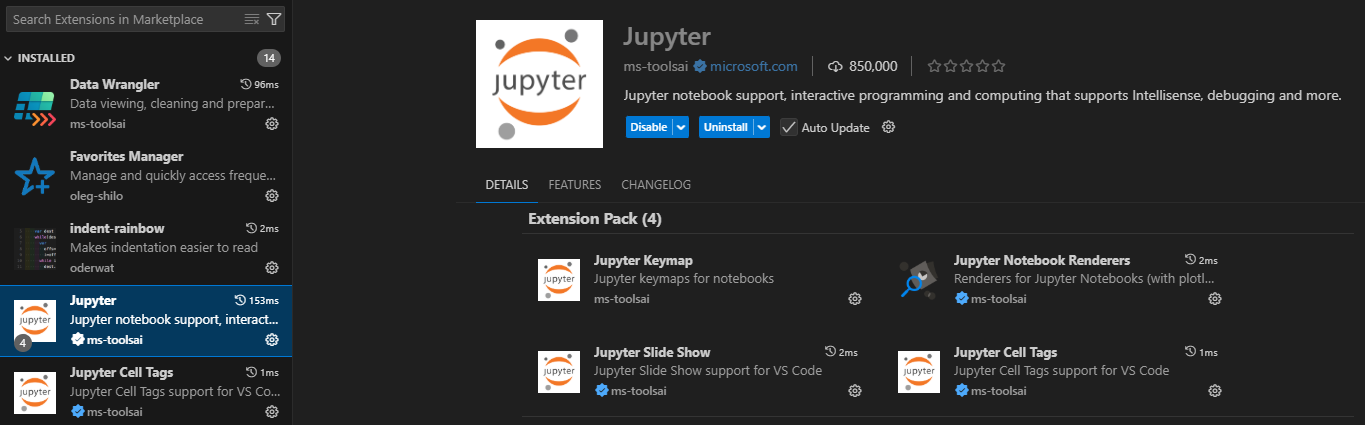
For a moment, I genuinely considered switching back to VSCode, so I’m relieved that this resolved the issue. Since I haven’t tested this on other machines, I can’t say for sure that this will work for everyone.
Still, I’m sharing this in hopes that it helps someone else who’s been struggling with Jupyter kernel issues on Cursor.